

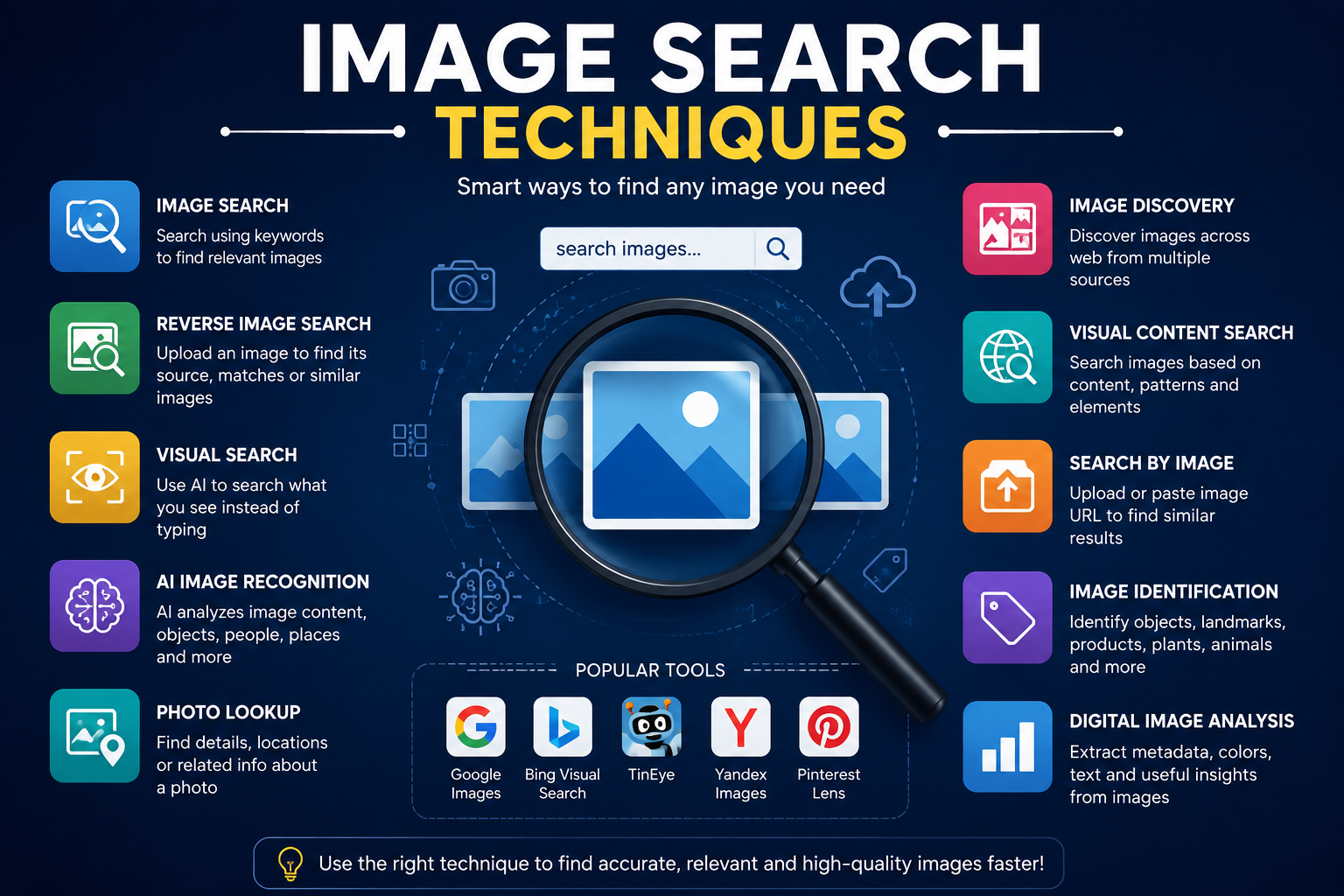
In today’s digital era, images have become an integral part of communication, marketing, research, and personal use. Whether you are a marketer trying to source visuals for a campaign, a student conducting research, or just someone curious about an image you found online, knowing the right image search techniques can save you time and improve your results. This guide covers everything you need to know to find any picture online efficiently, using both basic and advanced methods.
Understanding Image Search and Its Importance
Image search is the process of using search engines and specialized tools to locate pictures or graphics online. Unlike traditional text searches, image search relies on both visual and textual data to provide results. These techniques are essential for various purposes:
- Content creation: Finding high-quality visuals for blogs, presentations, and social media.
- Reverse image lookup: Identifying the source of an image or verifying authenticity.
- Research: Locating historical photos, scientific diagrams, or artwork references.
- E-commerce: Comparing products using visual search to find similar items for sale.
Using the right image search techniques ensures you retrieve accurate, relevant results quickly, avoiding wasted time scrolling through unrelated images.
Using Google Image Search Effectively
Google Images is the most popular image search engine worldwide. It offers a variety of tools to refine your searches:
- Keyword search: Enter descriptive terms about the image. Include details like color, size, and subject. For example, “red vintage car side view.”
- Filters: Google allows filtering by size, color, type (photo, clipart, GIF), time (latest uploads), and usage rights (free to use, share, or modify). This is especially useful for content creators looking for royalty-free images.
- Reverse image search: You can upload an image or paste its URL to find similar images, sources, or higher resolutions. Simply click the camera icon in the search bar.
Mastering these basic Google image search techniques can drastically improve your results and is an excellent starting point for beginners.
Reverse Image Search: Find the Source of Any Picture
Reverse image search is a powerful technique that helps you trace an image back to its origin. This is useful for verifying authenticity, finding similar visuals, or checking copyright information. Popular tools include:
- Google Lens: Integrated with Google Images and mobile devices. Upload an image or point your camera at a photo to find matches online.
- TinEye: A dedicated reverse image search engine. It tracks image usage across millions of websites and provides information about where an image first appeared.
- Bing Visual Search: Bing also allows uploading images or screenshots to find similar pictures and related web pages.
Reverse image search is particularly valuable for bloggers, journalists, and e-commerce professionals who want to ensure their images are not stolen or misused.
Leveraging Social Media for Image Searches
Social media platforms are rich sources of images but require different search techniques:
- Instagram: Use hashtags, location tags, and explore pages to find relevant images. Tools like Ingramer and Picuki can help search public profiles without logging in.
- Pinterest: A visual discovery engine, Pinterest allows you to search by image, color, or visual similarity. Its “Lens” feature enables photo-based searches.
- Facebook and Twitter: While these platforms have limited image search capabilities, advanced search queries using keywords and date filters can locate public images.
Social media image searches are useful for finding trending visuals, memes, event photos, and user-generated content.
Advanced Image Search Techniques
For more precise results, advanced techniques can be used:
- Boolean operators: Use quotes for exact matches (“red sports car”), AND, OR, and minus (-) signs to exclude terms. Example:
“red sports car” -toy. - File type searches: Specify image formats like JPEG, PNG, or GIF using
filetype:jpg. - Site-specific search: Focus your search on a specific domain. For example:
site:pexels.com nature. - Color search: Include color-specific keywords to narrow down results, e.g., “sunset orange sky.”
These techniques give more control over search results, especially for professionals who require high precision.
Using AI-Based Visual Search Tools
Artificial intelligence has revolutionized image search by enabling visual recognition and object detection. Some popular AI-powered tools include:
- Google Lens: Recognizes objects, landmarks, text, and products in images. Useful for identifying plants, animals, or shopping items.
- Clarifai: AI platform for image and video recognition. Can categorize images, detect faces, and tag objects automatically.
- Pinterest Lens: Detects patterns, products, and objects in photos, providing visually similar content and shopping links.
AI-driven image search techniques make it easier to find complex images that are difficult to describe with words, especially when searching for products or real-world objects.
Image Search for E-Commerce and Shopping
Online retailers rely heavily on image search techniques to connect products with buyers. Techniques include:
- Visual product search: Upload a photo of a product to find similar items on e-commerce platforms like Amazon, eBay, or Walmart.
- Barcode or QR code scanning: Many apps allow scanning barcodes to locate exact products online.
- Color and pattern search: Use AI tools to find clothing, furniture, or decor items that match a specific color or pattern.
These methods improve shopping experiences, helping users quickly find products without knowing their exact names.
Ethical Considerations and Copyright in Image Search
When using images found online, it’s crucial to respect copyright laws:
- Check usage rights: Google and Bing allow filtering images by license. Always confirm the license before using an image.
- Creative Commons: Platforms like Flickr and Wikimedia Commons provide free-to-use images under various licenses.
- Avoid plagiarism: Even if an image is publicly available, proper attribution may be required.
Understanding legal restrictions protects individuals and businesses from potential lawsuits and ensures responsible use of visual content.
Mobile Image Search Techniques
With most internet users accessing the web via smartphones, mobile image search techniques are increasingly important:
- Google Lens on Android/iOS: Point your camera at objects or upload images for instant search results.
- Apps like CamFind: Scan an image to find similar products, identify objects, or search for recipes.
- Reverse search on mobile: Use browser extensions or apps to perform reverse image searches directly from your phone.
Mobile search techniques make image discovery faster and more convenient, especially when you encounter images offline or on social media.
Future of Image Search: Trends to Watch
The future of image search is closely tied to AI, augmented reality, and deep learning. Emerging trends include:
- Real-time visual search: Using AR devices to identify objects instantly.
- Semantic image recognition: Search engines understanding context rather than just visual similarity.
- Integration with shopping apps: Directly linking search results to product purchase options.
- Personalized visual search: AI tailoring image search results based on user behavior and preferences.
These developments will make image searches smarter, faster, and increasingly intuitive, transforming how we interact with visual content online.
Conclusion
Mastering image search techniques is essential for anyone navigating the modern digital world. From basic keyword searches to advanced AI-powered visual searches, each method serves a unique purpose. Whether you are a content creator, marketer, researcher, or casual user, knowing these strategies will help you find any picture online efficiently and ethically. By combining traditional search engines, reverse image lookup, AI tools, and social media platforms, you can unlock the full potential of online image search and save significant time in your digital endeavors.
FAQs About Image Search Techniques
1. What is the easiest way to start image searching online?
The easiest method is using Google Images with descriptive keywords. Filters like size, color, and type can further refine results.
2. How do I perform a reverse image search?
Upload an image to Google Images or TinEye, or use apps like Google Lens. The tool will locate similar images and sources online.
3. Are AI image search tools free to use?
Many basic AI tools like Google Lens and Pinterest Lens are free. Advanced AI platforms like Clarifai may require subscriptions.
4. Can I use images found online for commercial purposes?
Only if the images are licensed for commercial use, such as Creative Commons or royalty-free platforms. Always check usage rights before using images commercially.
5. Which platforms are best for mobile image search?
Google Lens, CamFind, and Pinterest Lens are the most effective for mobile image searches. They allow instant recognition and results on the go.